
Savoira keeps admissions, attendance, timetables, fees and report cards. Savoira Learning, built on Moodle, turns every class in the timetable into an online class with its teacher and students already in it.
Set up for MP Board, CBSE, Cambridge and IB schools, from Nursery to Class 12.
 Savoira
 Learning
Use Savoira on its own, or add Savoira Learning when your teachers want to give homework, notes and tests online.
School management for the office, teachers and parents.
Online classes on Moodle 5.2, connected to Savoira.
The school office works in Savoira as usual. Savoira Learning follows it, so nobody types the same class list twice.
| Period | Subject | Section | Teacher |
|---|---|---|---|
| 2 | Mathematics | 10-A | Rahul Verma |
| 3 | Science | 10-A | Ayesha Khan |
| 4 | English | 10-A | Emma Wilson |
CBSE, session April to March
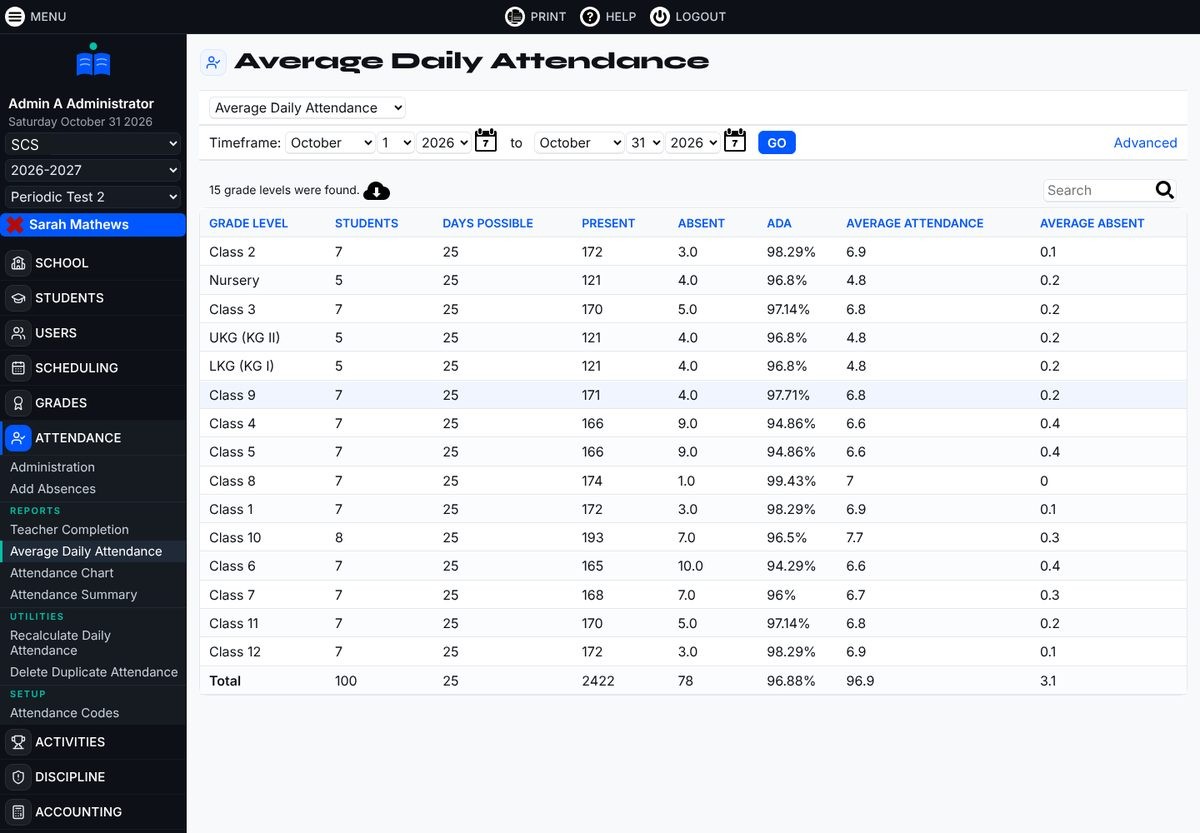
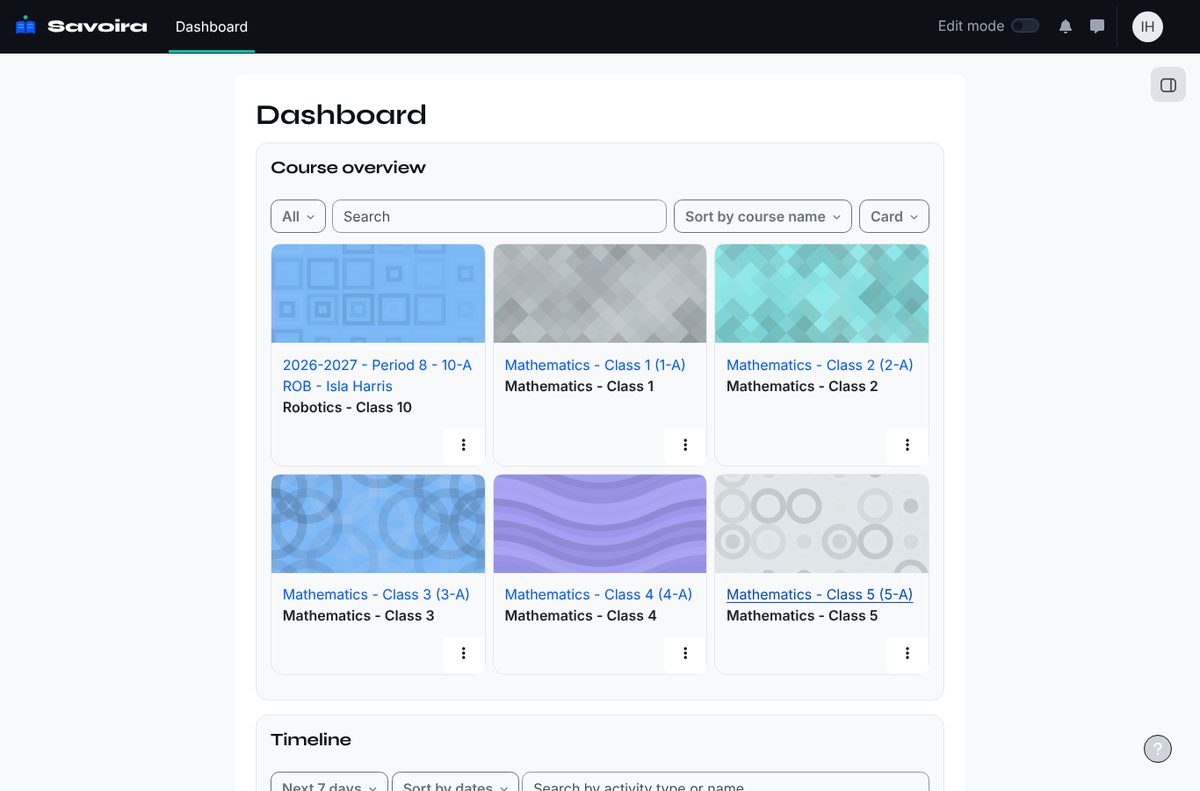
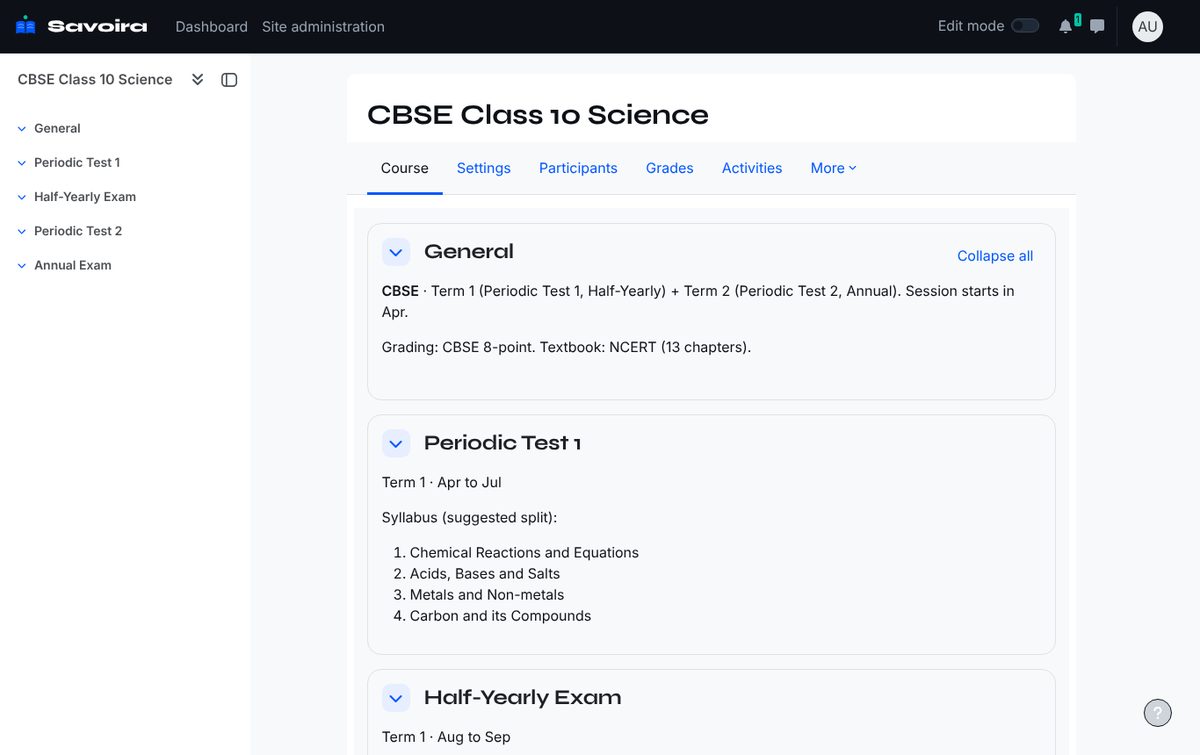
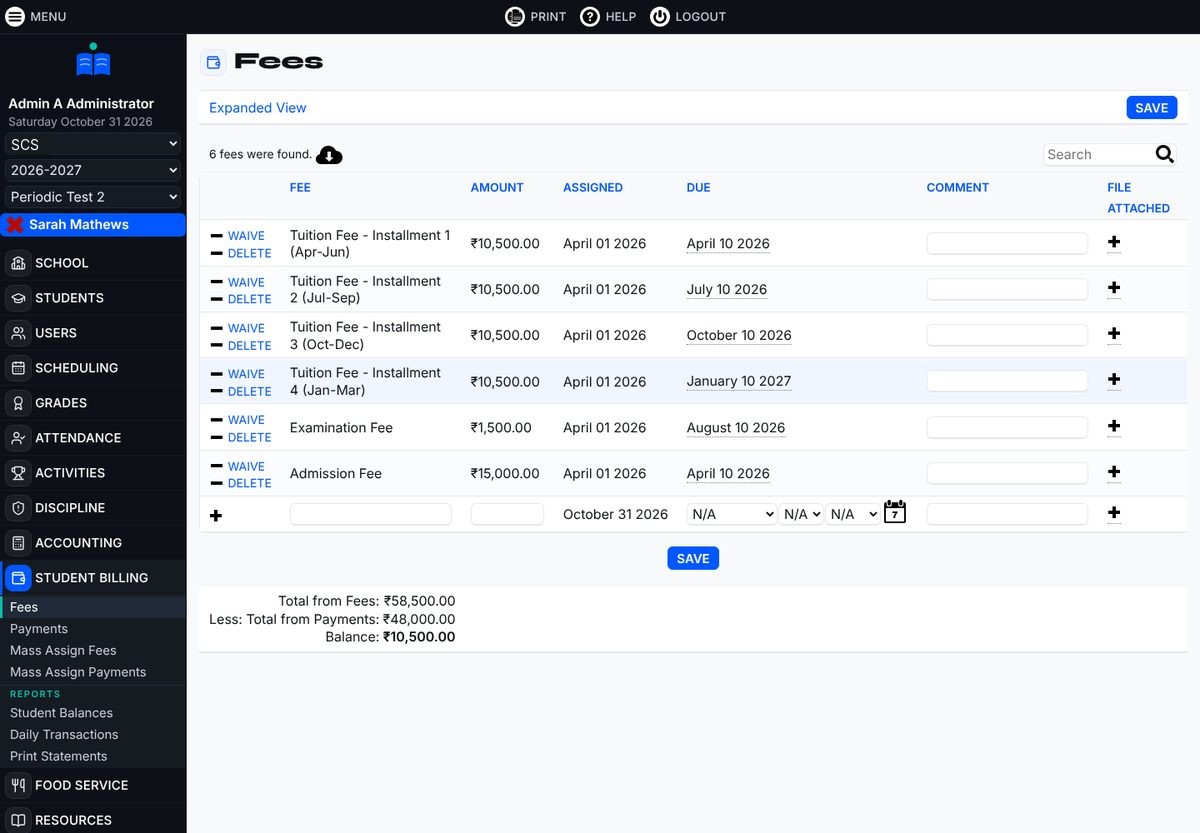
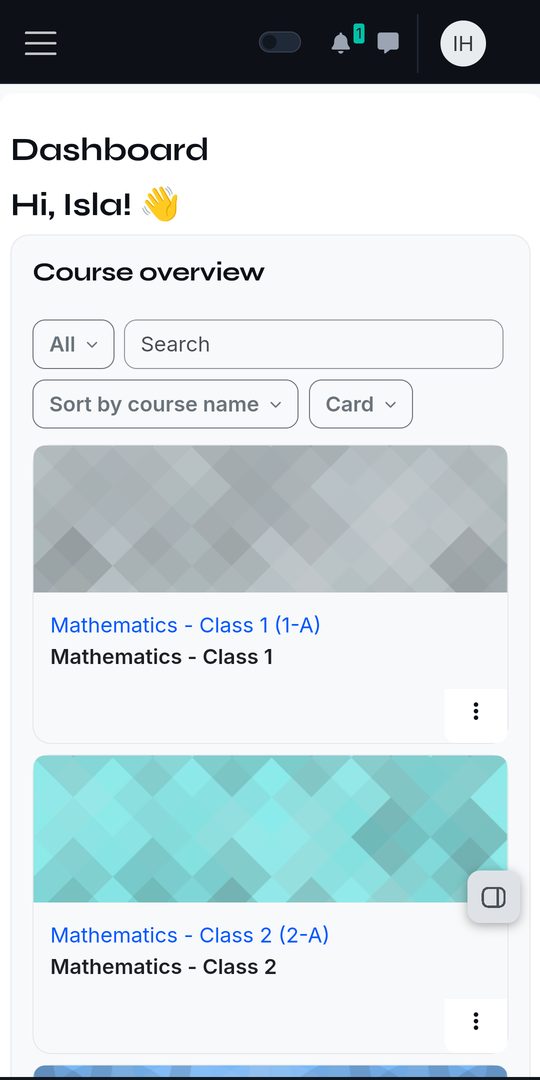
Screens from the demo school, Crescent Public School (CBSE), with 100 sample students.
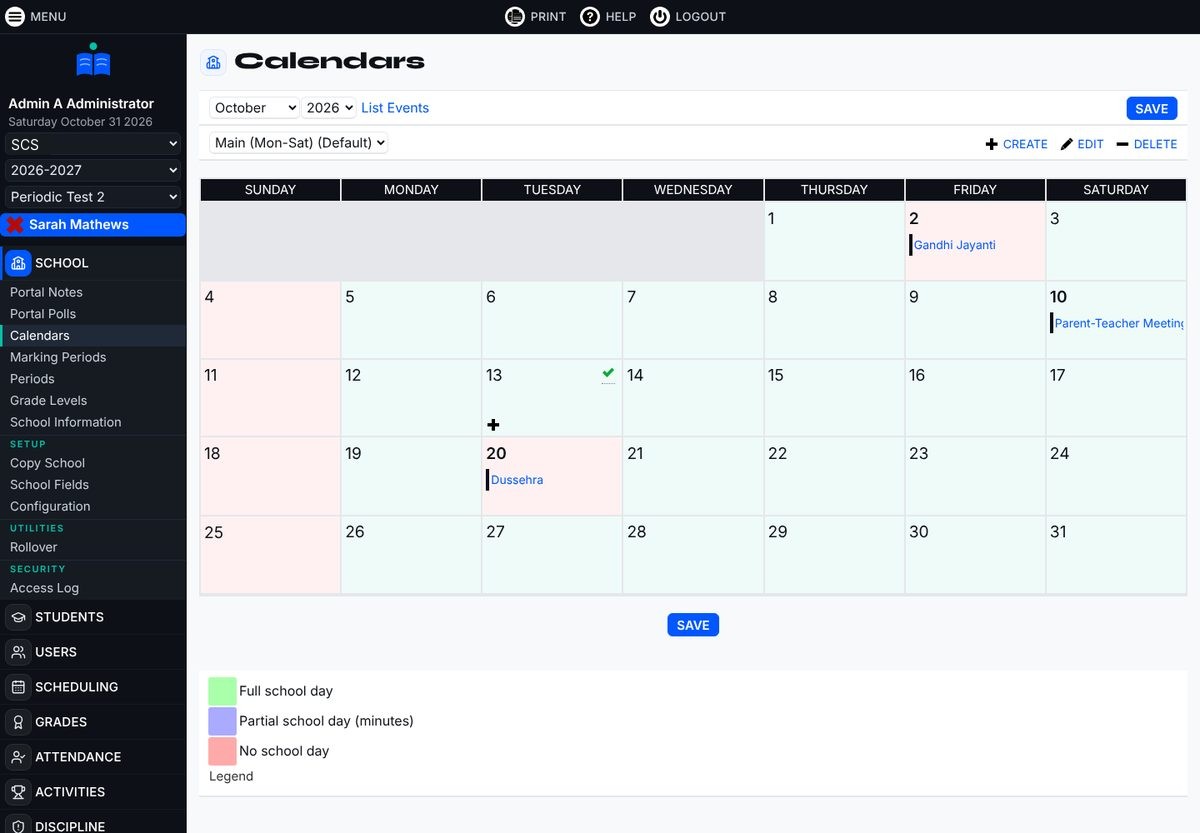
When a school starts, it picks its board. Classes, terms, exams and grading are filled in for Savoira and Savoira Learning together.
| Board | Classes | Exams | Grading | Also included |
|---|---|---|---|---|
| MP Board | Nursery, LKG, UKG, Class 1 to 12 | Quarterly, Half-Yearly, Annual | A+ to E, pass at 33% | Samagra ID, Scholar No., NCERT chapters for Class 10 |
| CBSE | Nursery, LKG, UKG, Class 1 to 12 | Periodic Test 1, Half-Yearly, Periodic Test 2, Annual | A1 to E2, co-scholastic A to C | APAAR, PEN, CBSE registration, NCERT chapters for Class 10 |
| Cambridge | Nursery, KG, Grade 1 to 12 | Mid-Term 1, Term 1, Mid-Term 2, Final | IGCSE A* to G, AS and A Level A* to E | Candidate and centre numbers, June session |
| IB | PYP, MYP 1 to 5, DP 1 and 2 | Quarter 1 to 4 | MYP and DP 1 to 7, TOK and EE A to E, PYP descriptors | MYP criteria A to D for every subject group |
Two Android apps, one for each part of the school day. Both are free for your school's users.
Both apps are in beta and installed from our website, not Google Play. On iPhone, Savoira installs from Safari like an app, and Savoira Learning works in Safari.
Install help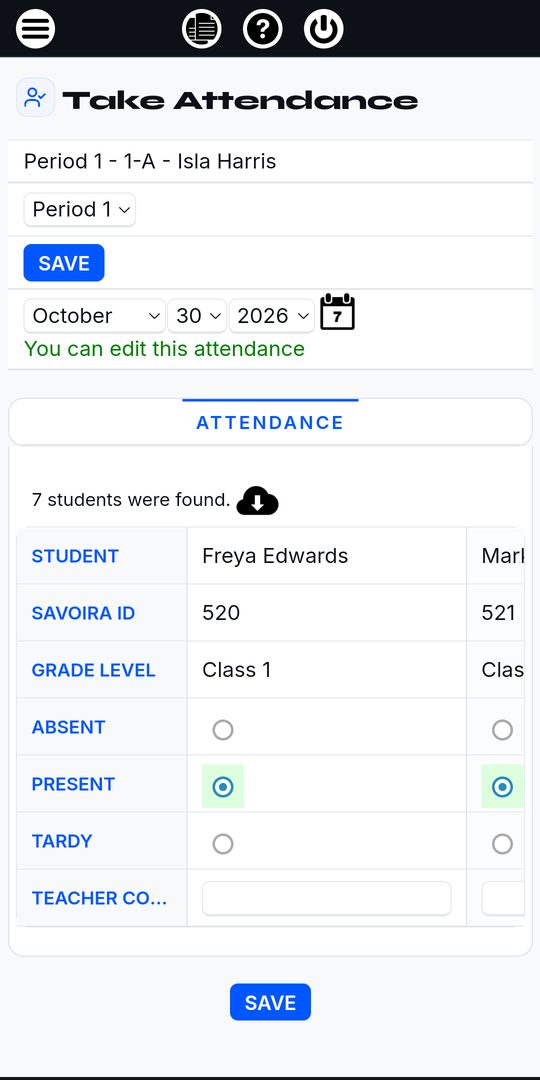
Savoira and Savoira Learning run in the cloud. I set up your school, keep both apps updated and help your staff get started.
No. Many schools start with Savoira for attendance, fees and report cards, and add Savoira Learning later. When you add it, your classes, teachers and students come across from Savoira.
Yes. It is built on Moodle 5.2, the open-source learning platform used by schools and universities worldwide, set up in Savoira's design with your board's exams and grading.
Teachers sign in to both apps with the same username and password. Their classes are already in Savoira Learning, so they only add notes, homework and tests.
Yes. A parent linked to a student in Savoira sees that child on the Savoira Learning dashboard and can open their activity and marks.
Ask for a demo. I will show you the demo school for your board, or set up a trial with your own classes.
Tell me your board and number of students. I'll arrange a live demo and send a quote.